


 Jejak
 Log masuk


HBO Max
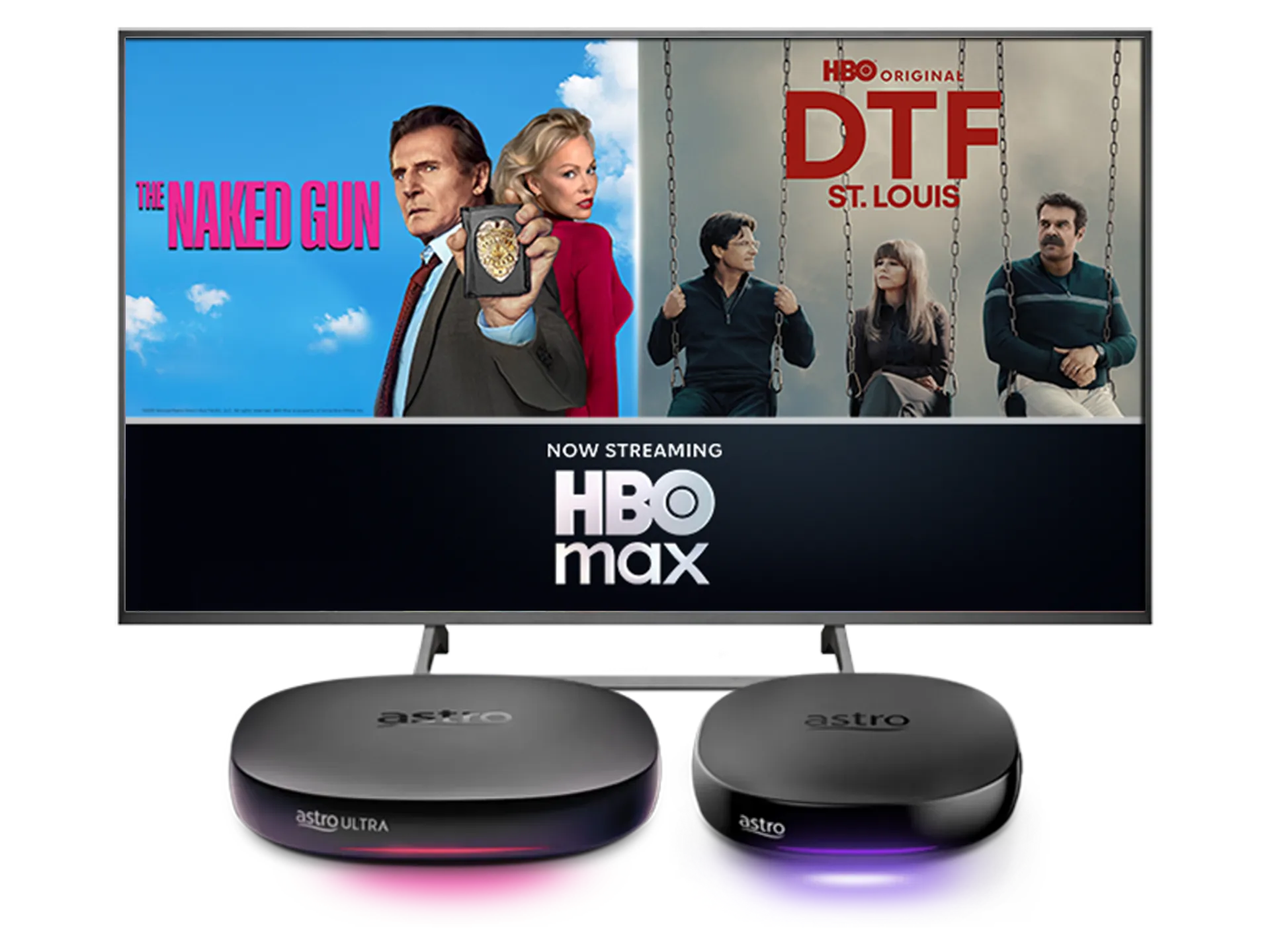
Stream the best in entertainment with Astro






Watch HBOMax on Astro


Step 2
Create a HBO Max account using your Astro registered email and activate via the HBO Max portal

Step 3
Upon successful activation, launch HBO Max on your selected device

Step 4
On the HBO Max home screen, select “Sign In” and scan the QR code to proceed

Step 5
Sign in with your newly created HBO Max account to pair your device

Step 6
Yay! You can start streaming now. Cancel your add-on subscription anytime
Add-ons for existing customer
Add HBO Max to upgrade your existing TV plan. Cancel your add-on anytime.
New to Astro? Find your bundles here
Get stable endless entertainment with HBO Max app added on for more variety. Cancel your add-on anytime.
Hiburan serta-merta
Entertainment + HBO Max Standard
RM63.05
/bln-
Tiada pemasangan Astro Box diperlukan
- Strim sehingga 2 skrin (maksimum 1 Smart TV)
- Bil bulanan








Hiburan serta-merta
Entertainment + HBO Max Premium
RM76.93
/bln-
Tiada pemasangan Astro Box diperlukan
- Strim sehingga 2 skrin (maksimum 1 Smart TV)
- Bil bulanan
Aksi sukan serta-merta
Sports + HBO Max Standard
RM93.05
/bln- Tiada pemasangan Astro Box diperlukan
- Strim sehingga 2 skrin (maksimum 1 Smart TV)
- Bayar bulanan, batalkan bila-bila masa








Aksi sukan serta-merta
Sports + HBO Max Premium
RM106.93
/bln- Tiada pemasangan Astro Box diperlukan
- Strim sehingga 2 skrin (maksimum 1 Smart TV)
- Bayar bulanan, batalkan bila-bila masa
Hiburan terbaik
Entertainment + HBO Max Standard
RM73.05
/bln

Hiburan terbaik
Entertainment + HBO Max Premium
RM86.93
/bln
Sukan terbaik
Sports + HBO Max Standard
RM93.05
/bln
Sukan terbaik
Sports + HBO Max Premium
RM106.93
/bln
Astro X3
Astro One

Astro X3: Entertainment 12 Pack
RM39.99
/bln
Kandungan pek anda
Asas

Astro X3: Sports 12 Pack
RM69.99
/bln
Kandungan pek anda
Sun NXT Lite

beIN SPORTS CONNECT

Sports

Sports Extra
Asas
Astro One: Entertainment Pack
RM49.99
/bln
Astro One: Sports Pack
RM69.99
/bln
Kandungan pek anda
Sports
Sports Extra
Asas
Frequently asked questions
HBO Max is a brand-new streaming service in Southeast Asia, Taiwan and Hong Kong, raising the bar for quality entertainment. Offering a collection of blockbuster movies, groundbreaking series, iconic hits, best-in-class real-life stories from food, home, lifestyle and documentary, as well as family favourites. Dive into beloved brands and franchises like HBO, Harry Potter, the DC Universe, Cartoon Network, Warner Bros., Discovery and beyond. HBO Max delivers exclusive stories and elevates the streaming experience.
Moving forward, all customers on any Bundle which includes Movies Pack, those with the Movies Add‑On, customers subscribed to the HBO Pack Add‑On, as well as customers on the Astro One Epic Pack who wish to continue enjoying HBO content can subscribe to the HBO Max app as an ala carte add‑on via Astro from RM24.90/month.
Yes, your information will still be available in the HBO Max app if you choose to resubscribe directly to HBO Max through
www.hbomax.com
. To keep your preferences and account settings, ensure you use the same email address when you resubscribe.
There will be no changes to your HBO Max app subscription. You can continue accessing the app as usual. However, due to Warner Bros. Discovery (WBD) and Astro's partnership model going forward, the HBO HD (CH 411), Cinemax HD (CH 412), HBO Family (CH 414) and HBO Hits (CH 415) channels will cease on Astro at 11:59 PM on 28 February 2026.
If you're interested in subscribing to the HBO Max app via Astro, you can use the My Astro app through the following methods:
- App: Download the My Astro app from the Apple App Store, Google Play Store, or Huawei AppGallery.
- Web: Visit www.astro.com.my/max
- STB: You can subscribe HBO Max by either launching the HBO Max app OR the My Astro app on your Ultra/Ulti Box.
- WhatsApp: You can reach out to us via WhatsApp by typing "Hi" to 03-9543 3838. Then from main menu select Add-on Purchase -> Enter code HBOMAXULT.